By Yerçan Suna:
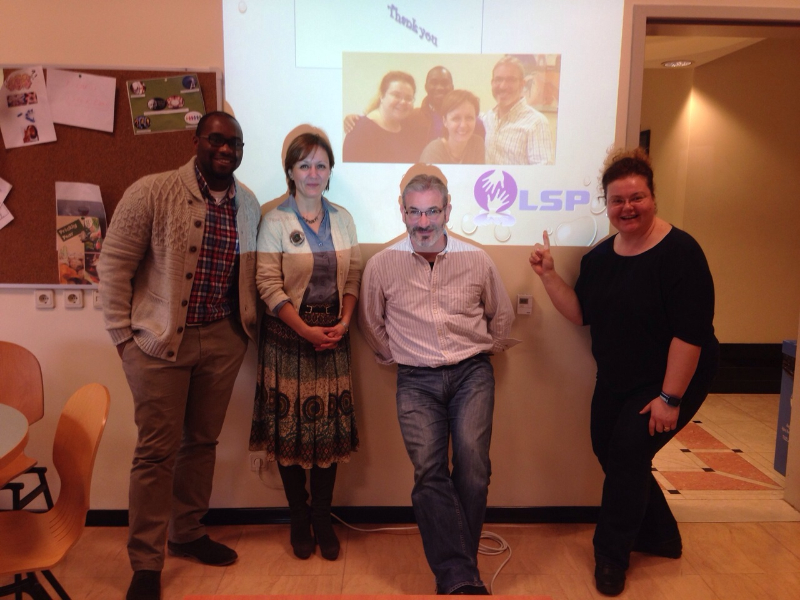
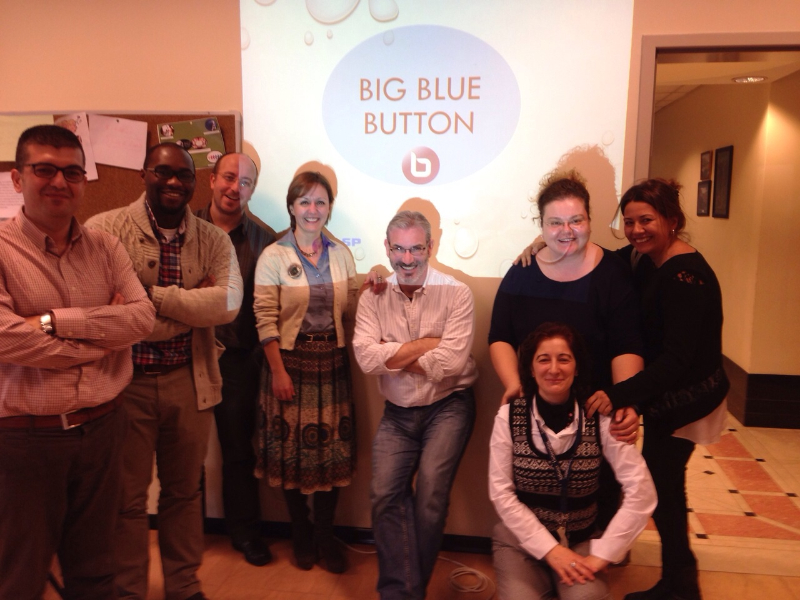
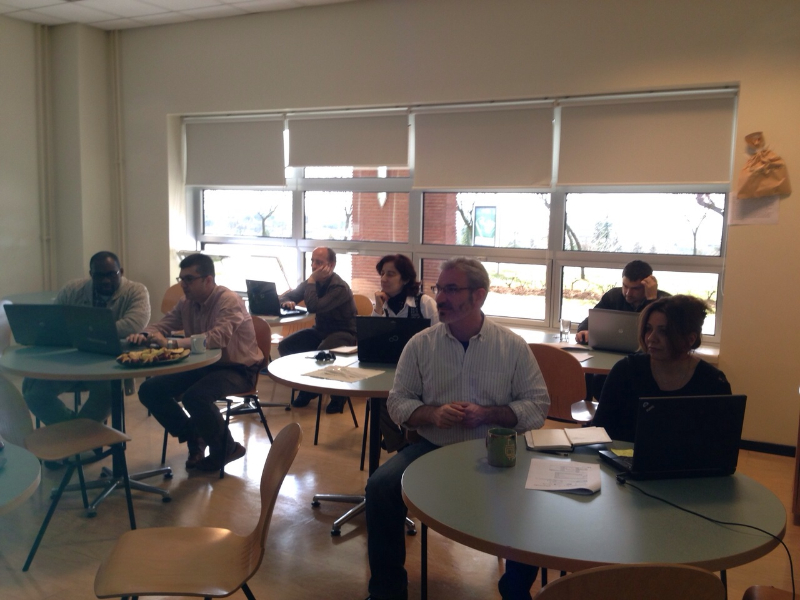
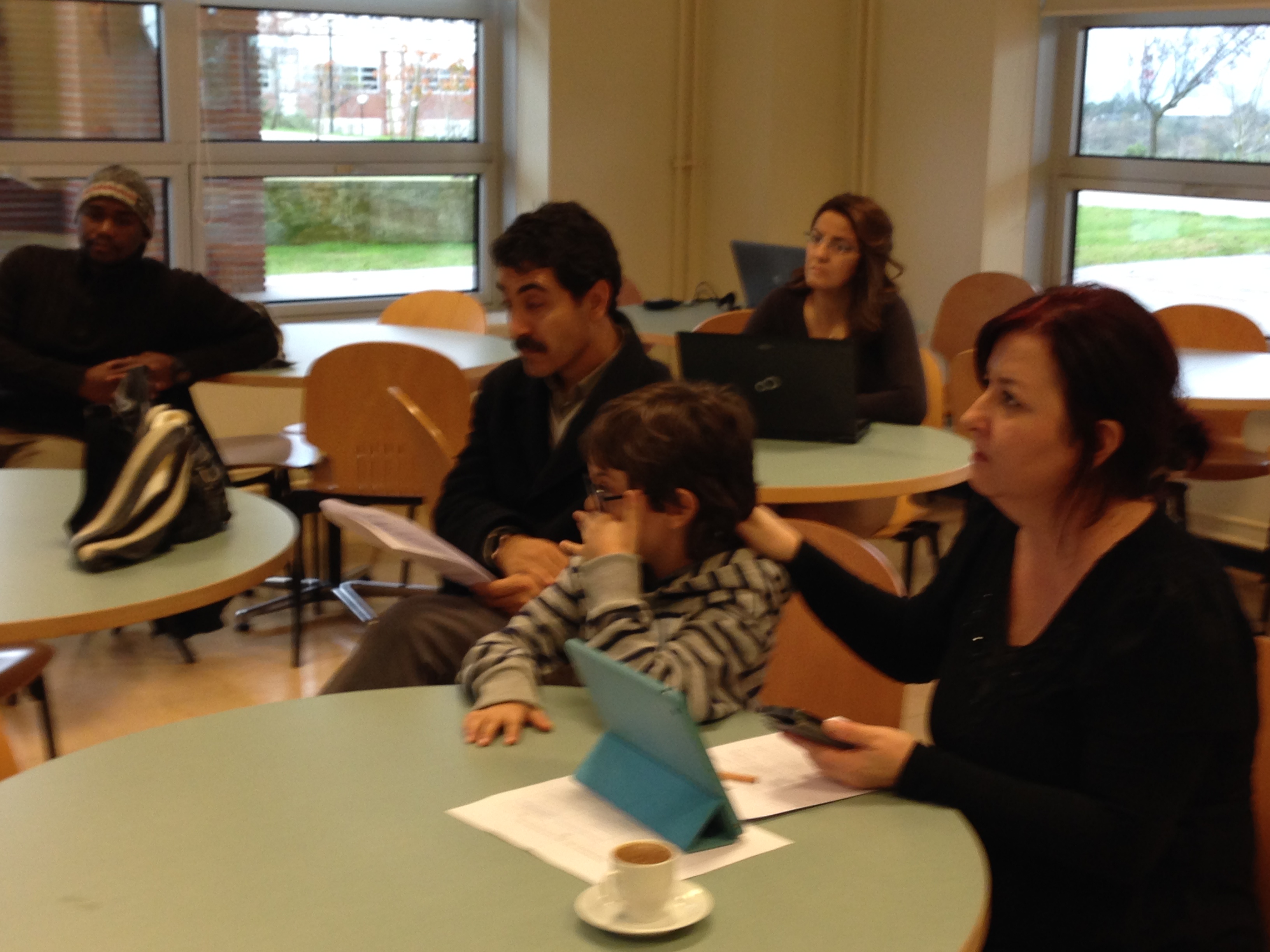
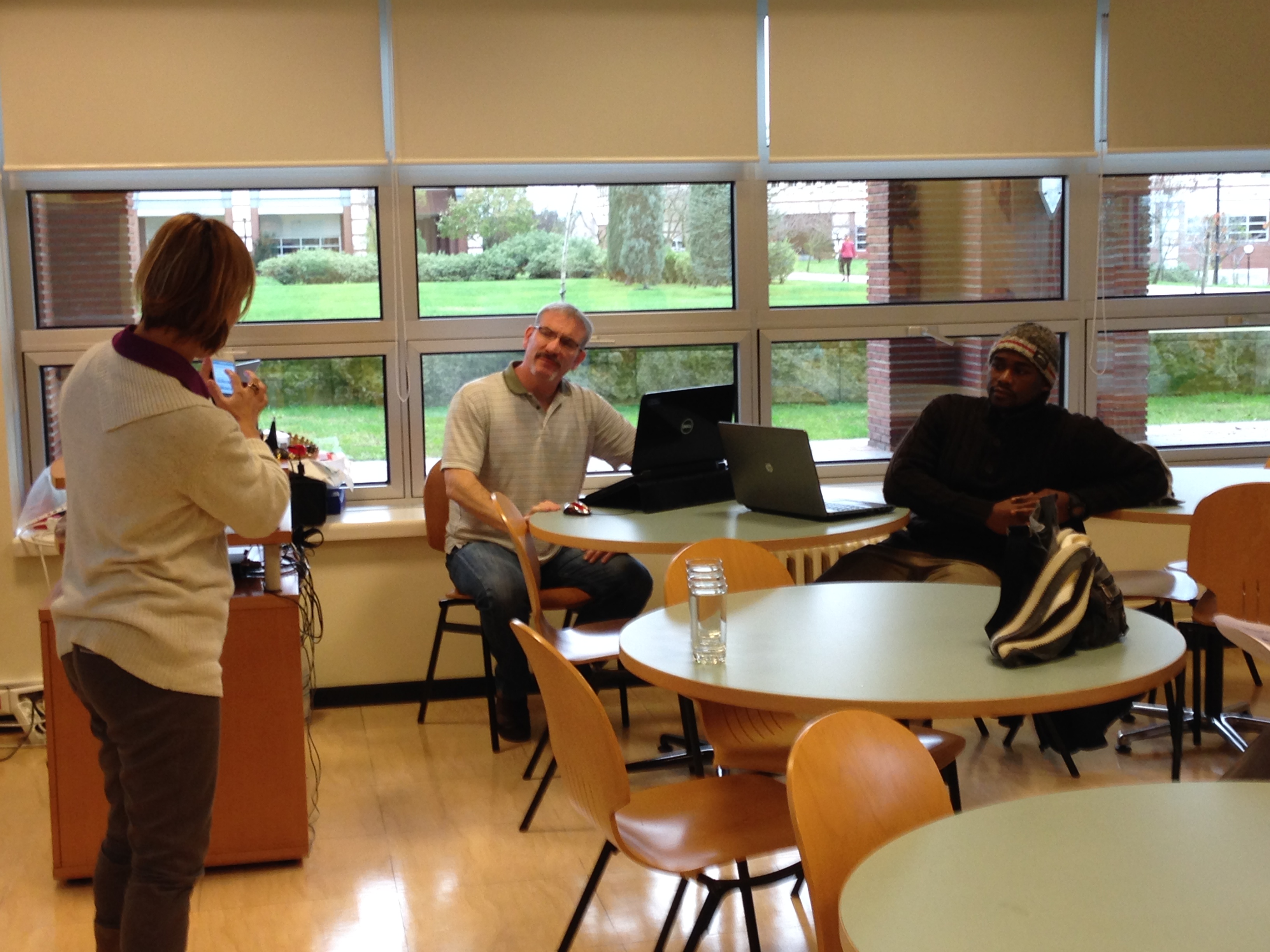
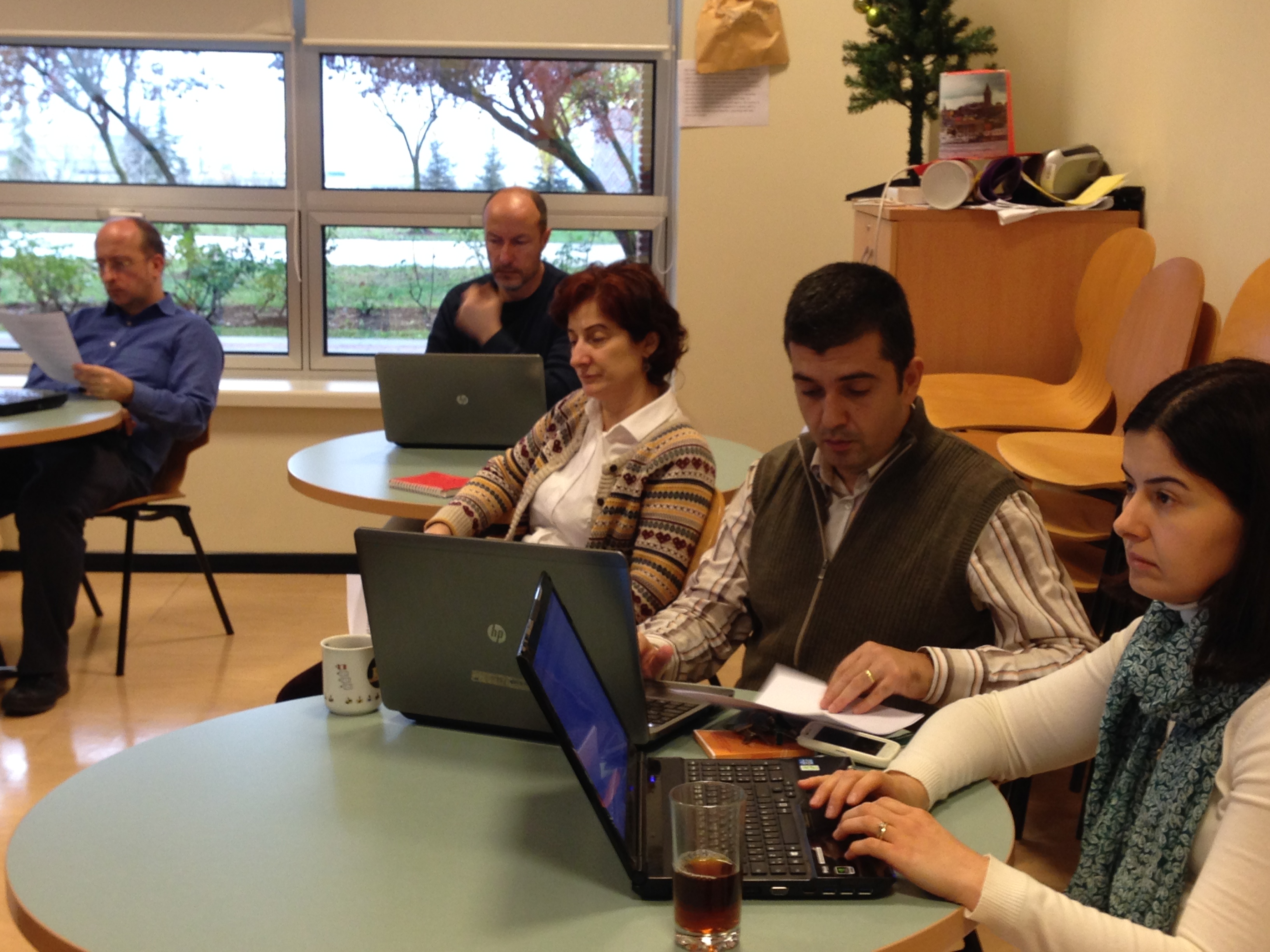
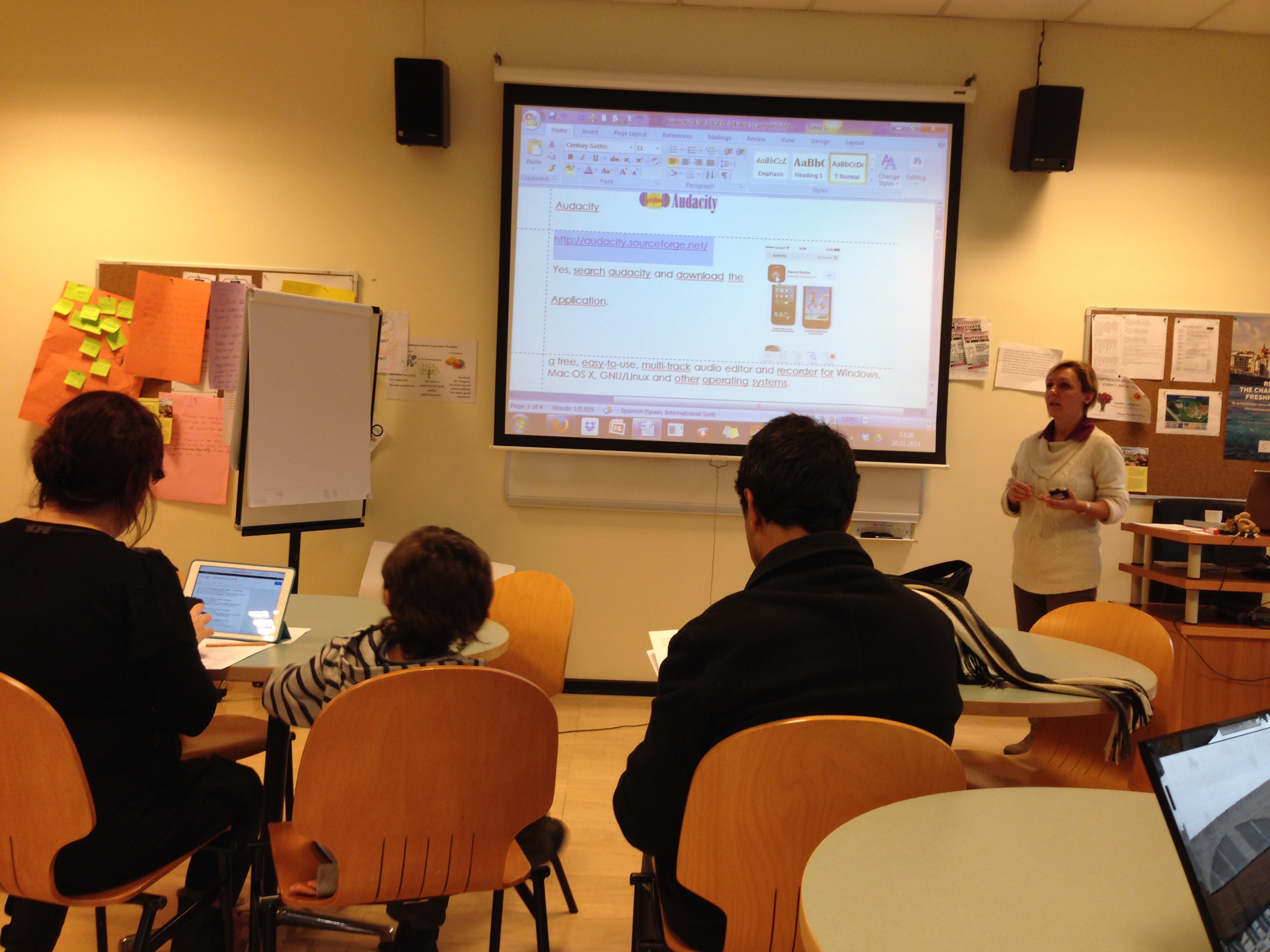
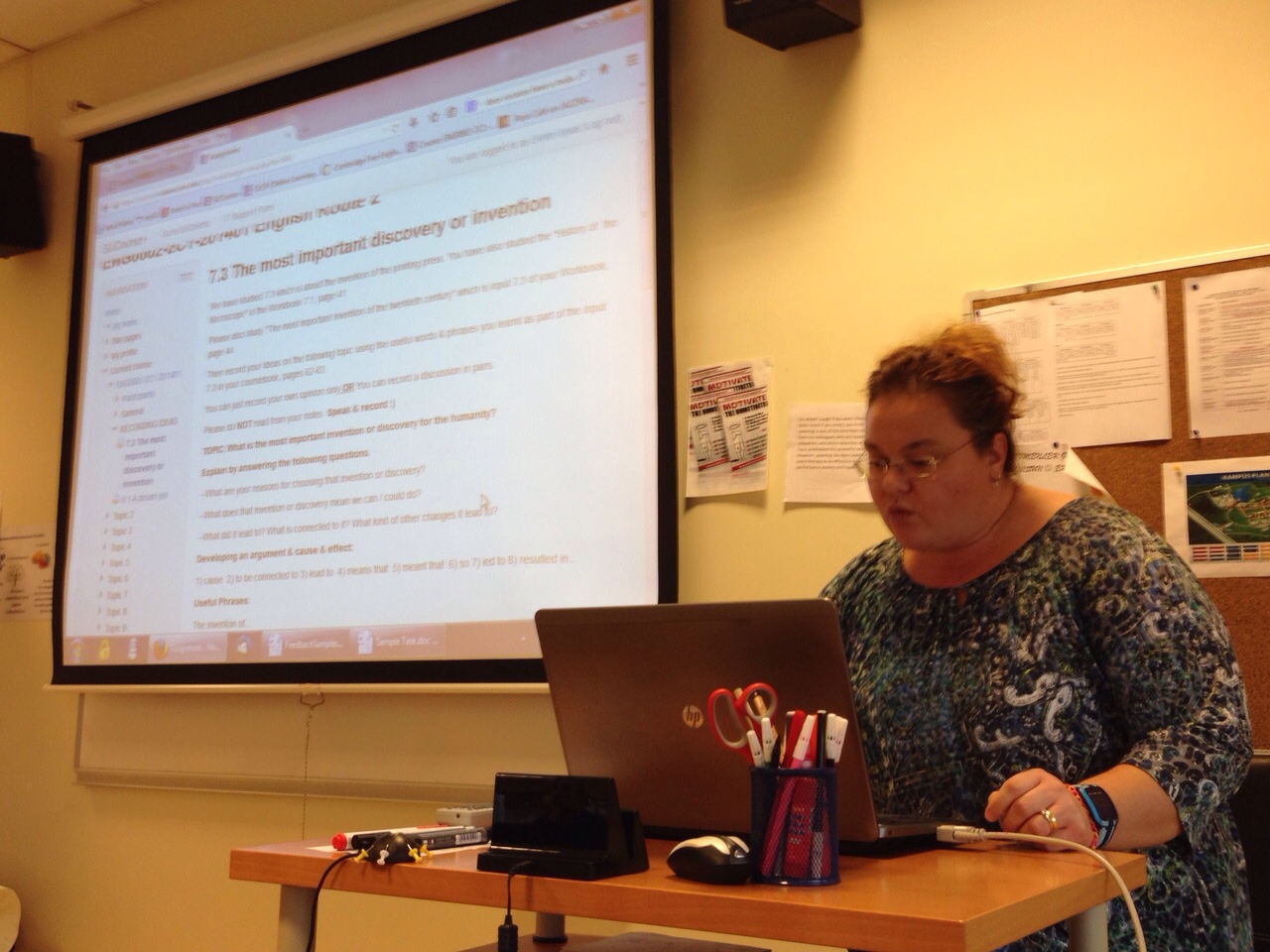
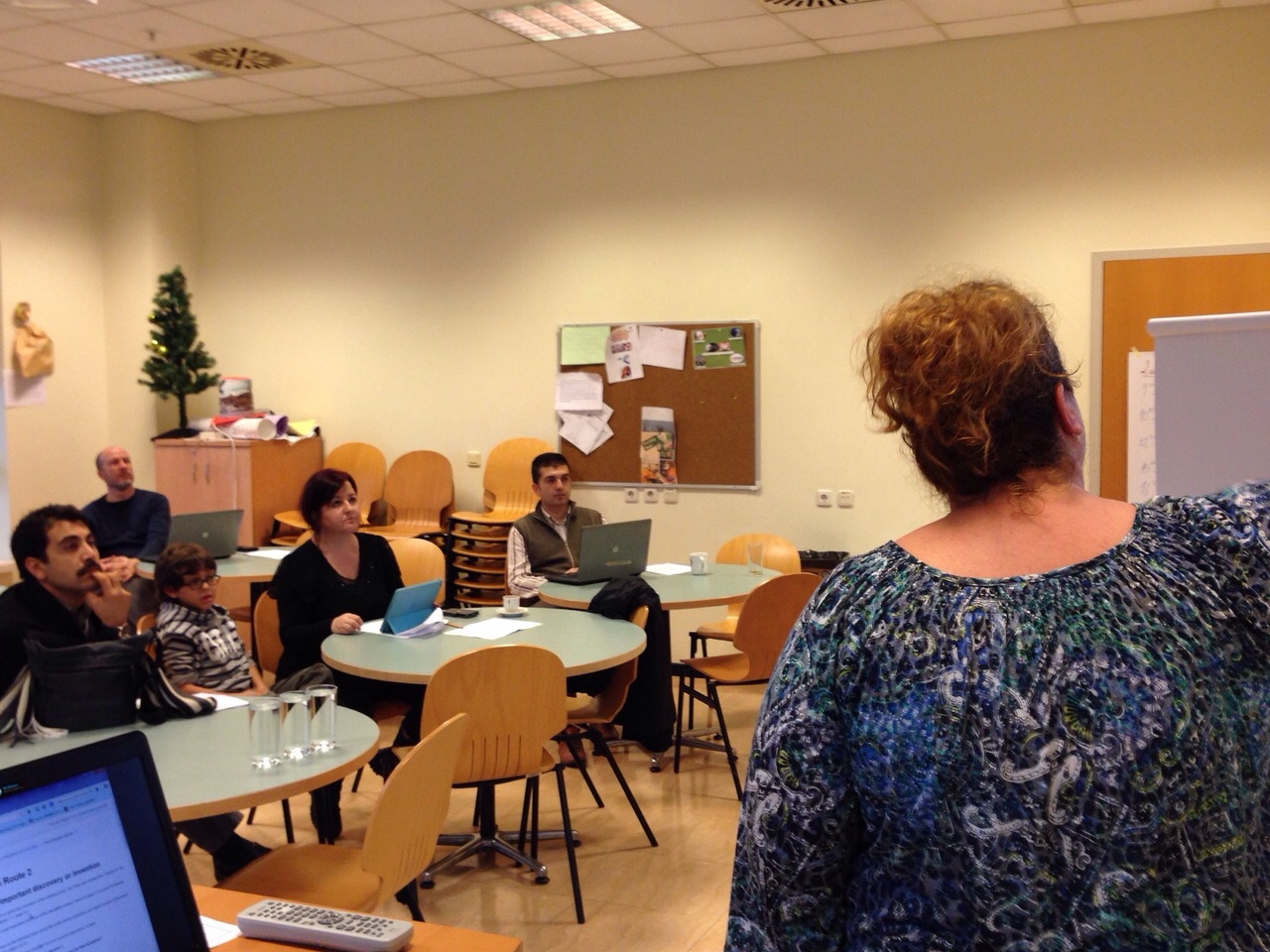
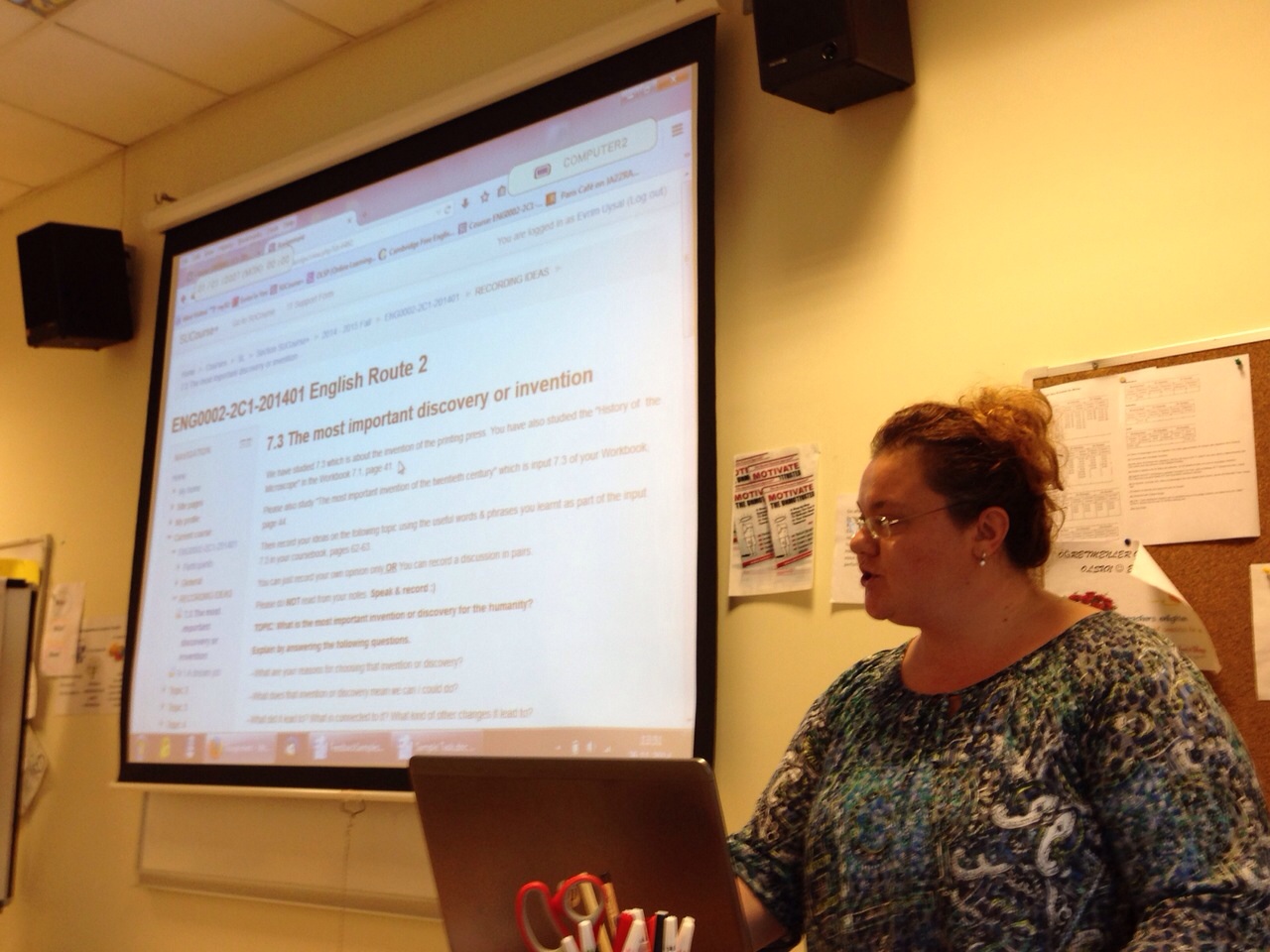
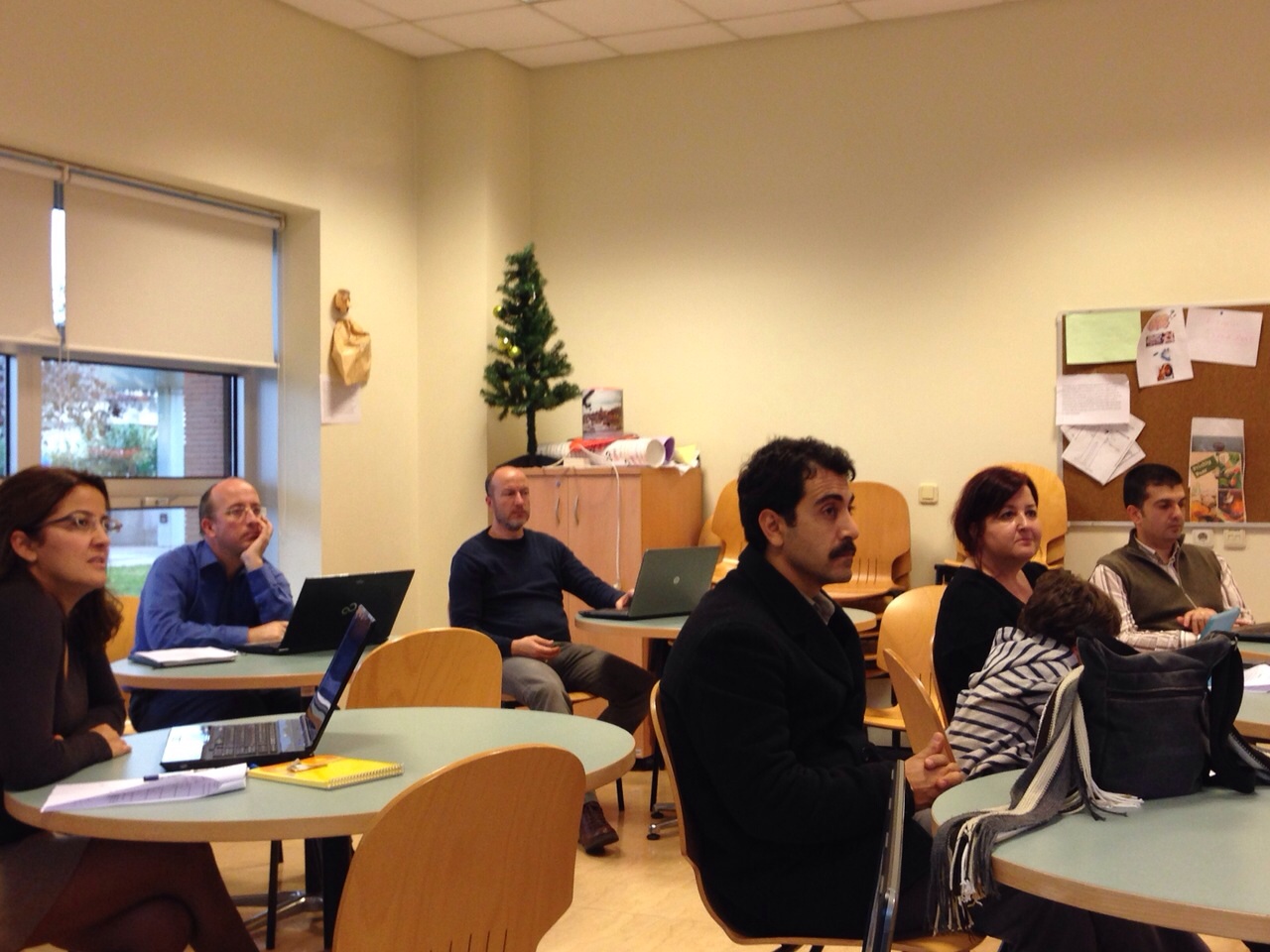
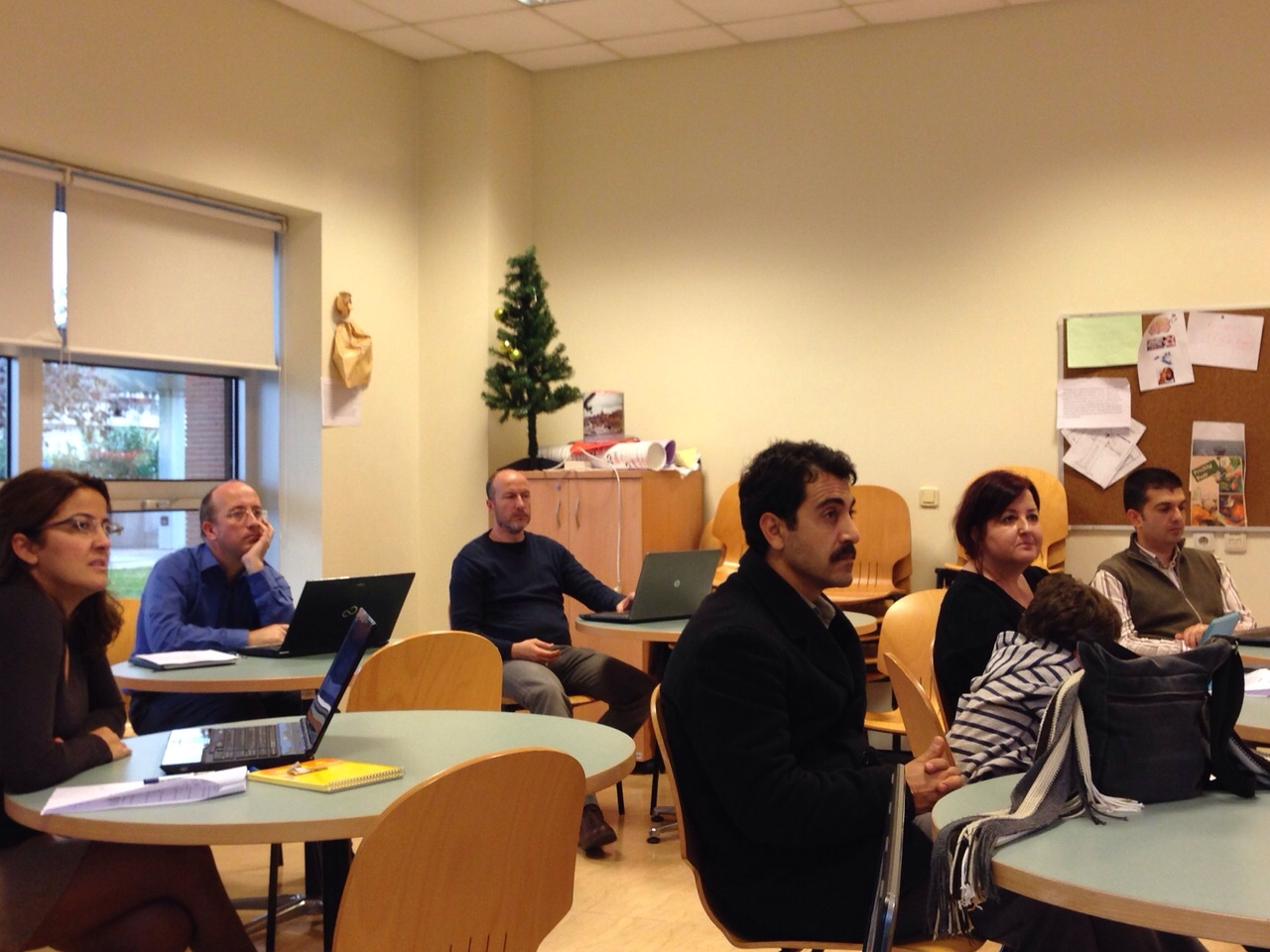
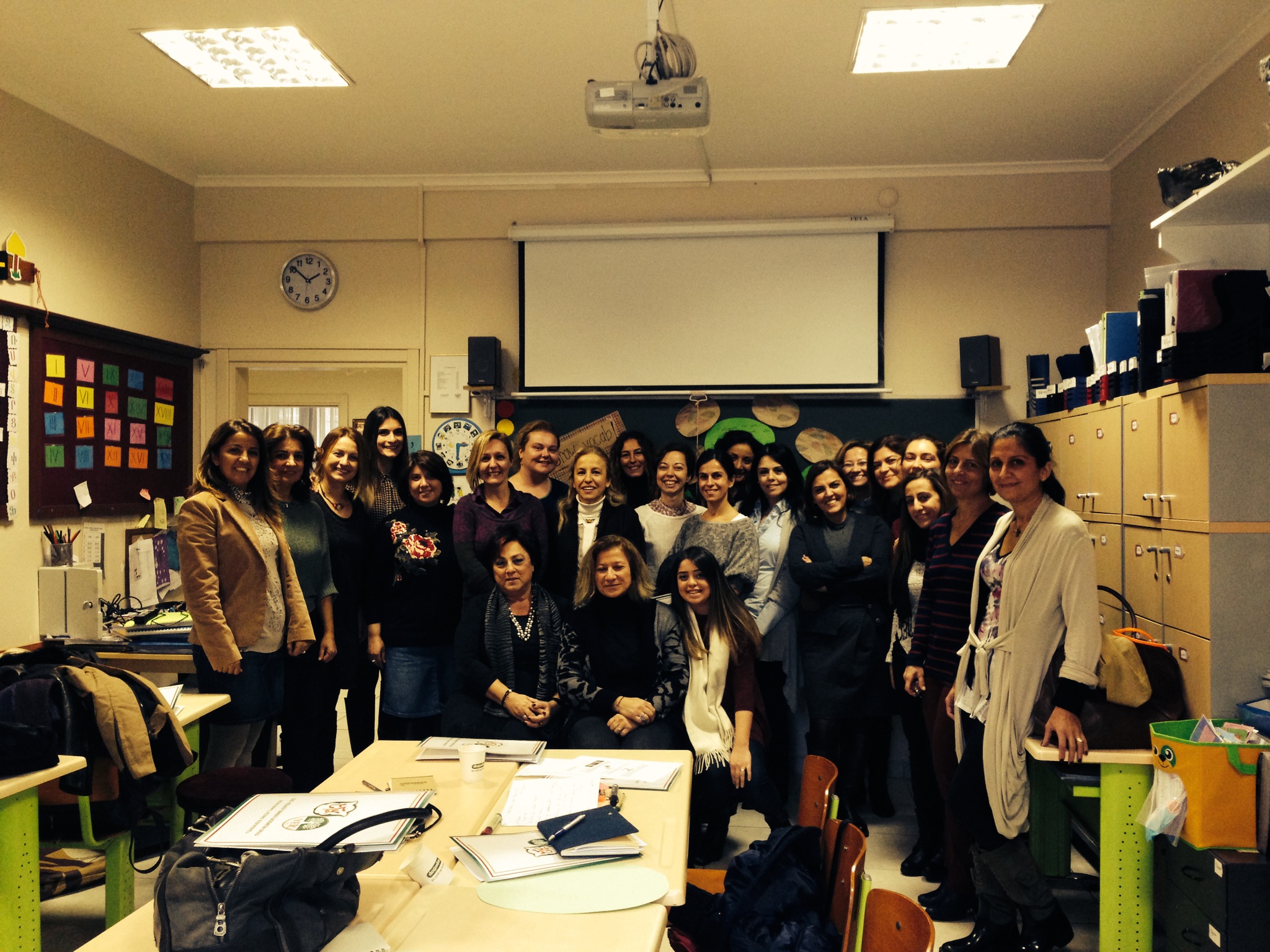
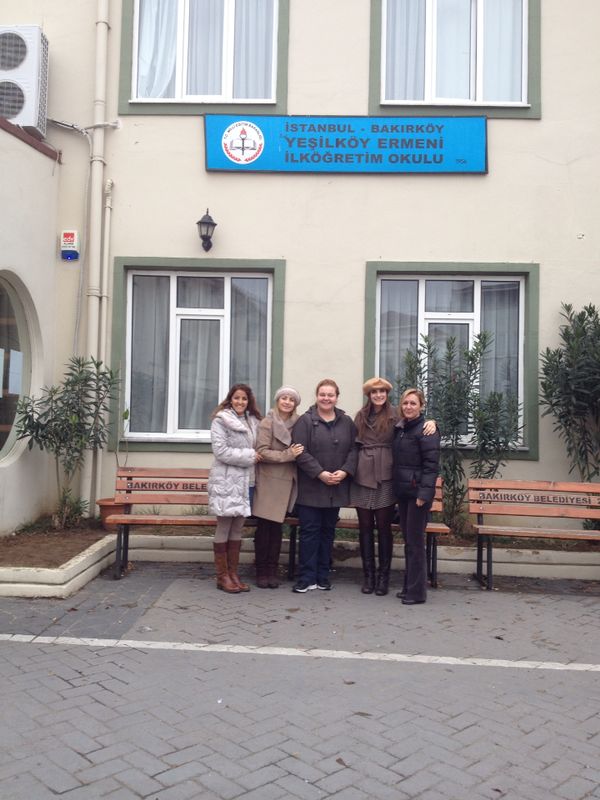
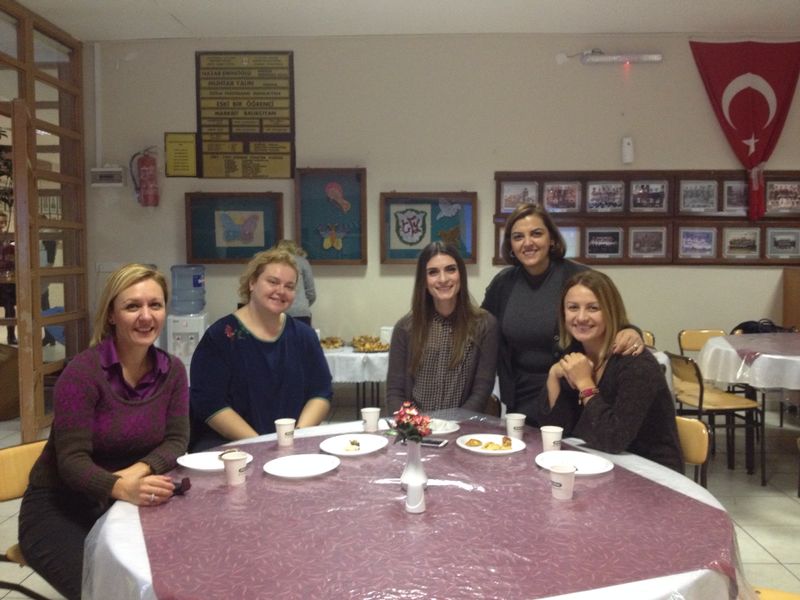
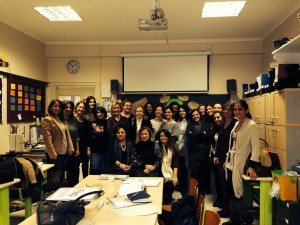
A mini-conference ran by SU presenters took place on December 7Th , 2012 in our humble institute Yeşilköy Private Armenian School. The seminar revolved around the theme of “Going beyond the Coursebook”. Workshop presenters from School of Languages, Sabanci University represented their topics of interest in a total of nine con-current sessions. The sessions were so in demand that participants had hard time deciding which to attend.
I have been teaching for 22 years now, and I have experienced teaching in various schools. However, being a member of Armenian community, teaching here at this minority school, has been like a community service to me. Therefore, I take the pleasure of gathering all English teachers of the other Armenian schools and arrange workshops and seminars like this one.
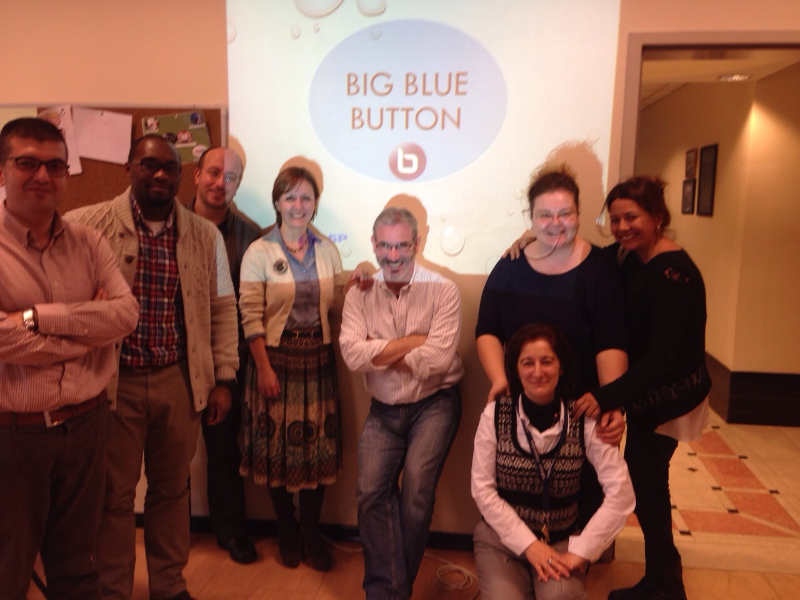
For this voluntary organization, I must firstly thank dear Devrim, for spending time and energy to put such a well-prepared seminar together. I am also thankful to my new friends Nezaket, Evrim, Nurdan and both Sibel’s. It was a great pleasure hosting a neatly organized mini-conference as well as meeting very talented teachers like you! I have been receiving the most positive feedback about the cozy and friendly atmosphere you have created. We all hope to keep in touch and exchange ideas in the future.
Thanks a million!
Yerçan Suna
By Devrim Uygan:
To tell you the story behind this mini-conference, I must first get you acquainted with my beloved friend Yerçan Suna. Our friendship with her dates back to our teaching years at Enka Schools, where we spent 5 years of great joy and sharing. It was a unique place with a bunch of enthusiastic, creative and energetic teachers from all around the world. We constantly produced, shared, and celebrated teaching and learning all those years. We enjoyed having fun with kids, and more importantly with each other. As we were reminiscing those days with great cherish and nostalgia one day as we were sitting in a peaceful tea garden in Kınalıada, having attended the SLTEP (School of Languages Teacher Training Program) before and knowing our commitment to teacher training as an institution, Yerçan said it would be great to have me over to their school to do some workshops for them. Then, as a person of exaggeration always, I said I could even ask my colleagues at Sabanci, who mostly have a lot experience in giving MEB seminars, and turn it into a mini-conference. With no exception, all of the colleagues that I approached agreed to help out right away. Yerçan said she planned on inviting other Armenian Schools to the event, too. This is how it got to be a unique event as such. Maybe for the first time ever we created a teacher initiated spontaneous occasion with no hassles whatsoever!
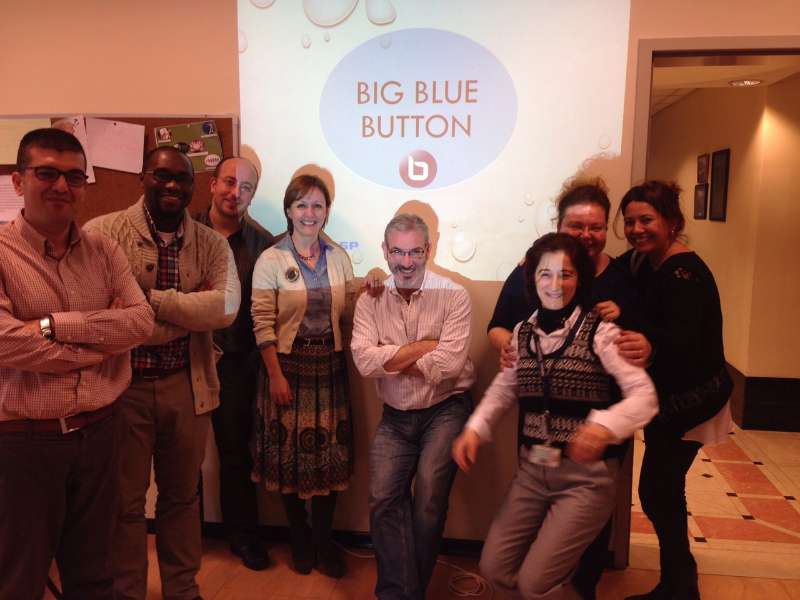
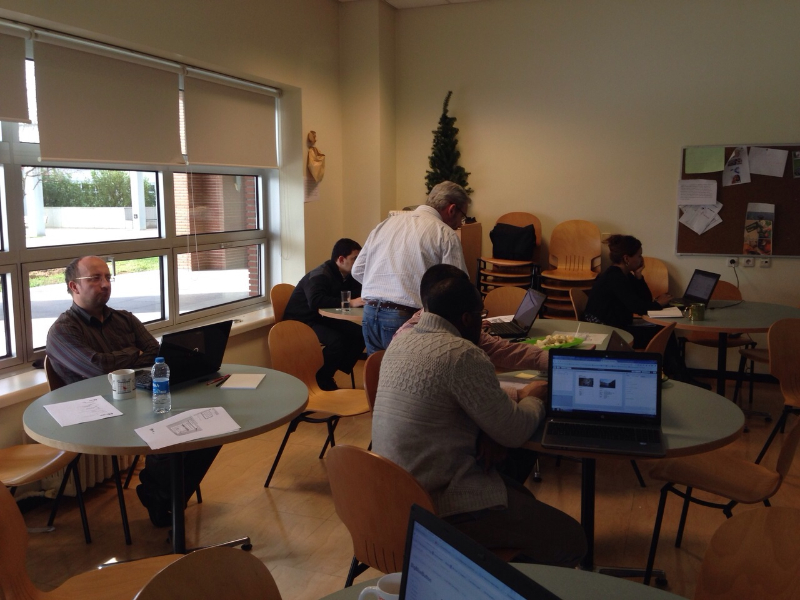
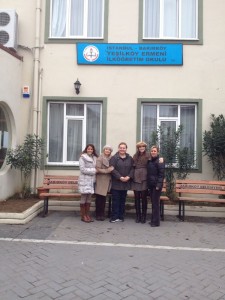 As six presenters from Sabanci University, FDY, we offered a total of nine workshops at Private Yeşilköy Armenian School. There were thirty participants who work at different Armenian Schools in town. In almost every session there were 6-12 participants. The participants seemed very keen, willing to understand different approaches and share their experiences.
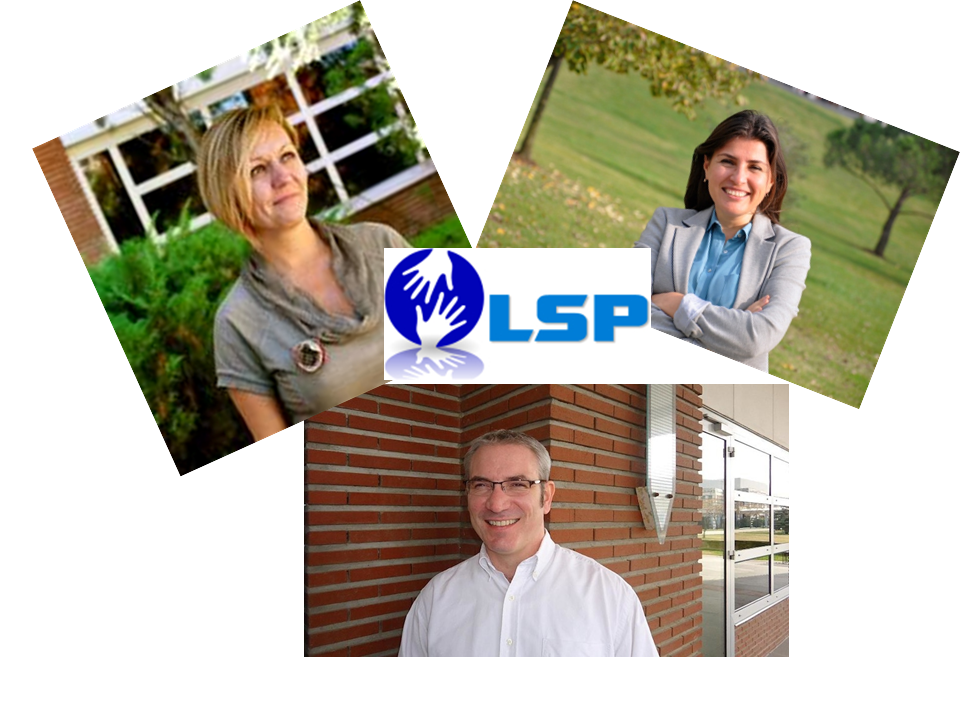
Organizing this mini-workshop was no hassle at all compared to those preplanned big events. We first sent out a survey to determine teachers’ needs, then decided on our areas of presentation. Designing the workshop program, the abstracts and biodata etc. did not take any more than a day’s time in total. Evrim, Sibel M., Sibel Ş., Nurdan, Nezaket and myself worked on our own presentations in our own times. Yerçan arranged the invitations and folders and designed the setting for us. She even arranged some delicious lunch and treats for us. Sibel M. gave us a ride to Yeşilköy, and then there we were! From the moment we carried out our workshops till today, we are in a different state of mind- a kind that is very fulfilling and insightful.
The bottom line is creative ideas must occur to us only when we are truly chilled out! This is what happened to me and my beloved friend, Yerçan. I hope that this will be only the beginning of such spontaneous, low- maintenance, yet fruitful collaboration between different institutions. I also hope that friendship always wins like this! J
I would like to thank all my colleagues from Sabanci who showed great enthusiasm and put forth great effort to make their presentations happen; all teachers from different Armenian Schools who had a very productive and positive presence in our workshops; and last but not least to Yerçan, who did a great job about organizing the event and being “hostess with the mostess” !.
Devrim Uygan
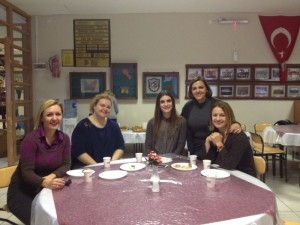
You can find below our session reviews and links to our notes and presentations.
“Using stories to teach language and skills” & “Using games and web tools to teach and revise language” by Nezaket Özgirin
The sessions covered the use of ‘games’ and ‘stories’ in language classes to present, practice and revise language as well as skills. The sessions aimed to cater for the needs of all levels of ELT classes. The participants were from all levels of primary education and were very receptive to different ideas and activities. They contributed to the session very positively as they were willing to share lots of ideas with each other. I would personally like to thank the institution for their hospitality and organization. It’d be lovely to see more activities like this which will eventually help improve personal and professional development through cooperation and collaboration.
In the session, the participants actively participated in the activities and experienced the feeling of being students. After doing the tasks actively, they brainstormed the aim/function of each game or story and discussed the advantages or disadvantages of using them with their students. They were also presented with a livebinder which included lots of stories and games for their context. Both the ‘story-telling’ session and the ‘games’ session are on a padlet wall and the livebinders are accessable to everyone. Please see the links for more detailed information of the sessions.
STORY-TELLING session
http://padlet.com/wall/ovdanmrs1k
GAMES session
http://padlet.com/wall/jlh8mf23m6
“Utilizing Web 2.0 tools 4 Spicing up Your Classroom” by Evrim Uysal & Sibel Taşkın Şimşek
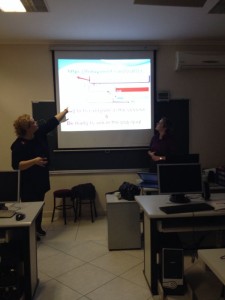
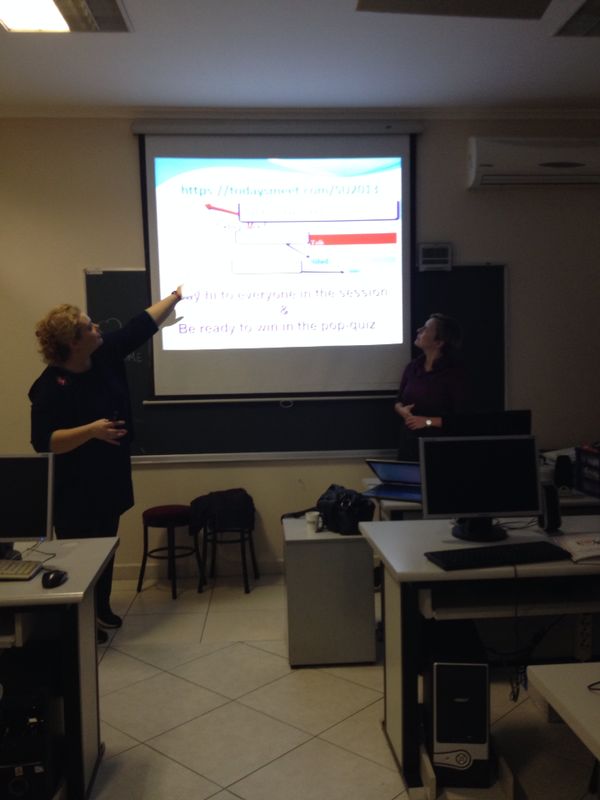
This session focused on the practical & free Web 2.0 tools such as Jing, Vocaroo, TodaysMeet & Glogster.edu which are also actively used by the session leaders with the learners in their classes. It was offered twice during the day to a group of participants with various backgrounds regarding the integration of technology to teaching some of whom were active bloggers.
Throughout the sessions “TodaysMeet” was used as an interactive feedback tool, a “silent distraction”, which allowed the audience to communicate with each other & the session leaders. The sessions also allowed for an inspiring space to exchange ideas on the changing role of “traditional educators”, the importance of selecting the right tools & online platforms to spice-up
teaching.
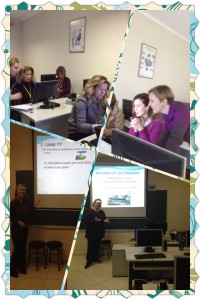
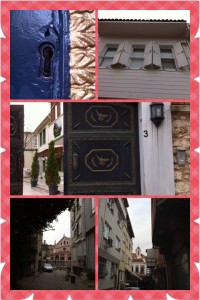
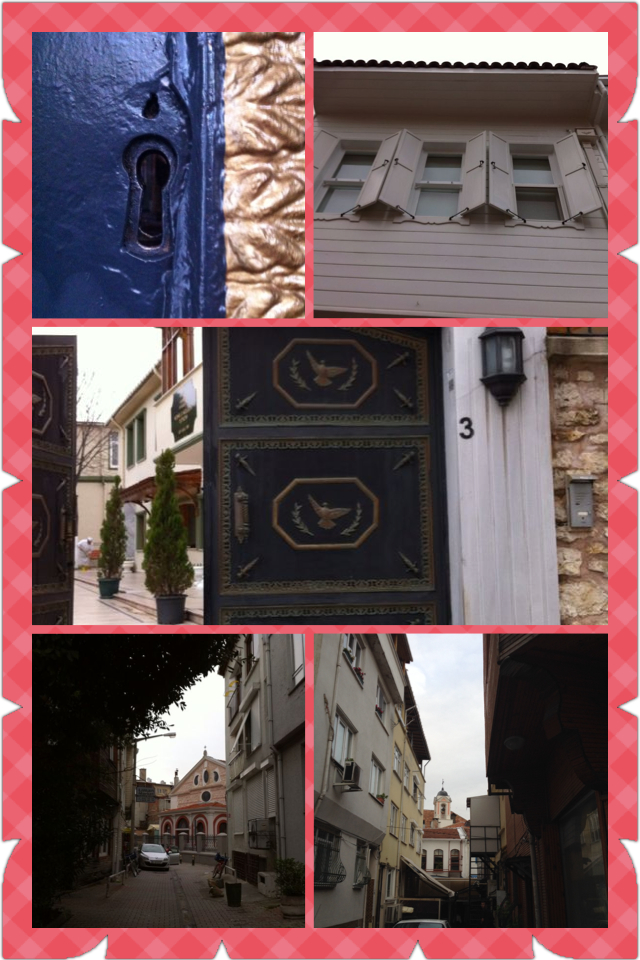
We were really impressed with the hospitality & high rate of participation on a rainy Saturday morning. It was also an enriching opportunity to socialize with colleagues outside campus, in Yeşilköy which still has traces of the elegant old İstanbul where many cultures lived happily side by side.
“Utilizing Web 2.0 Tools 4 Spicing Up Your Classroom” Slides
“Can I motivate my students via psychodrama? Tell me about it!” by Nurdan Çoksezen Metel
In this session I aimed at providing insight into the psychological processes behind the use of drama in L2 learning. I started with a comparison between real psychodrama sessions and educational psychodrama. A brief intro into how it could facilitate language classrooms was followed with an enjoyable psychodrama game, after which we discussed its educational implications. My major attempt was on showing the interplay between psychodrama and learner motivation. The feedback I received from my audience was quite positive. I hope I succeeded in offering some ways of dealing with less motivated students.
“Comic Strips- the New but Old” by Sibel Muradoglu Gundogan
This session looked at how we can integrate smart devices and the internet into our classrooms to encourage the usage of English. I aimed at exploring a different method of getting students to learn and use new vocabulary, and to practice writing. By using these websites that appeal to them, I showed how students would be more than eager to write and show off their skills.
I focused on websites such as zimmertwins, dvolver and bitsrips. I wanted to show how these website can be integrated into the classroom and become part of the homework given to students.
http://padlet.com/wall/aicyjt7xo1
“Approaches to teaching vocabulary- a closer look into key principles” by Devrim D. Uygan
This session aimed to challenge ourselves to rethink our beliefs about and practices in vocabulary teaching. In this interactive session, we examined some key principles that should be kept in mind while “attempting to” teach vocabulary or while exploiting vocabulary in class. We examined Thornbury’s five principles and then tested our understanding of these principles using some vocabulary tasks/activities. We collectively created a vocabulary growing tree, a creative way of introducing the learners with the idea that mixing and matching principles in everyday vocabulary practices help improve correct vocabulary storage and retrieval. For session notes go to: http://padlet.com/wall/fqkj27goz4
“Preparing students to higher education- exploring the subskills involved in the areas of speaking, reading, writing, listening” by Devrim D. Uygan
The aim of this session was twofold. One was to help bridge the gap between secondary and high school education through increasing the understanding of a wide range of sub-skills involved in all productive and receptive skills targeted at higher education. We exploited syllabus objectives and some key sub-skills from Sabanci University with the aim of raising awareness of key skills and strategies that course book authors include in the course books and gaining a deeper understanding of skills exploitation. Also, by understanding the rationale behind them, I also wanted to highlight the importance of looking at what the books offer with a more critical, yet constructive eye. For session notes go to: http://padlet.com/wall/lkjhl8mnyx